Fireworks Text Effect in Photoshop (and Adobe Fireworks)
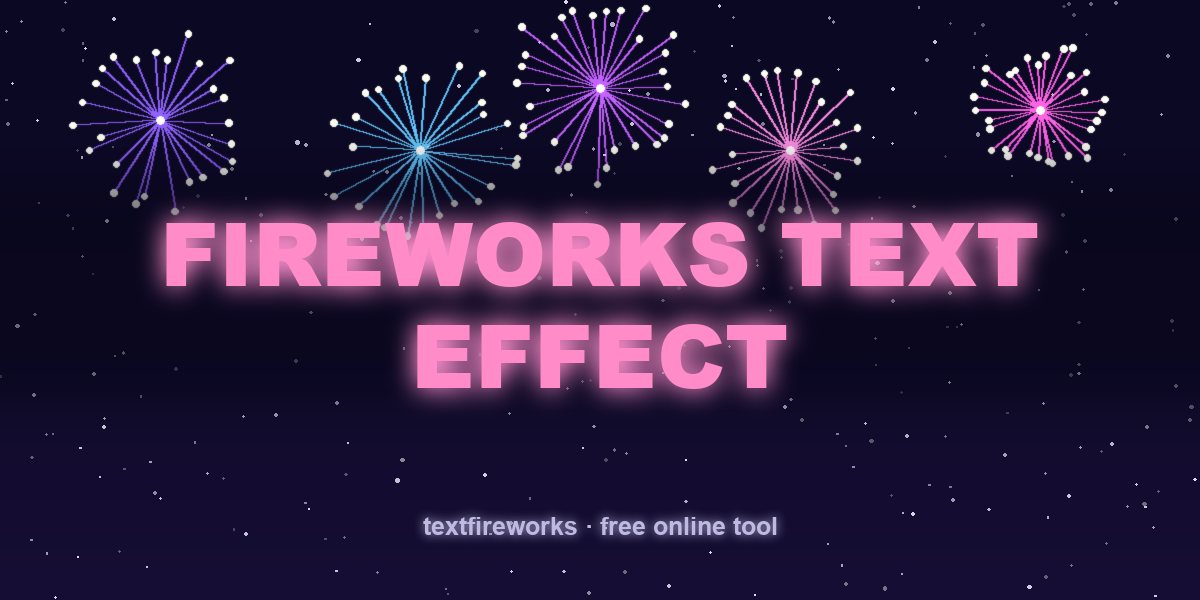
Two very different tools share the name. Photoshop is where people build a still fireworks text effect. Adobe Fireworks was a separate web-design app — discontinued in 2013 — which is why searches like "how to curve text in Adobe Fireworks" still surface. This guide covers both, then shows the animated shortcut.
Building a fireworks text effect in Photoshop
The look is glowing letters over a night sky with sparks radiating outward. The layer stack that produces it:
- Background: near-black canvas with a subtle dark blue gradient — fireworks only read against darkness.
- Text layer: a heavy font (Arial Black, Impact, or a rounded bold). Thin fonts collapse once you add glow.
- Outer Glow layer style: blend mode Screen, colour matching the text, size 20–40 px. This is 80% of the effect.
- Inner Glow, small and white, to give the letters a hot core.
- Spark layer: a scatter brush or a real firework photo set to Screen blend mode, so its black background disappears and only the light adds. Screen blending is the single most important setting in the whole file.
- Colour grade on top: a warm-to-cool gradient map at low opacity ties the sparks and letters together.
A firework text effect PSD you download is simply that stack with the text layer made editable — you double-click it, type your words, and the styles reapply. Nothing magic; you can rebuild it in ten minutes and then customise freely.
How to curve text in Fireworks / Photoshop
In Adobe Fireworks the method was: draw a path with the Pen tool, select both the path and the text block, then Text → Attach to Path. Since the app was discontinued, the modern equivalents are Photoshop (click the Pen path with the Type tool and it types along the curve) or Illustrator's Type on a Path tool. If you inherited old .png/.fw files, Photoshop opens the flattened image but not the editable Fireworks layers.
The limitation nobody mentions
Photoshop makes a beautiful still. But fireworks are motion — the rise, the burst, the sparks falling. A static image of a firework is a photograph of a moment; what people actually want to send is the moment itself. That means animation, which means After Effects (slow, paid — compared in fireworks text animation without After Effects) or a browser tool.
The one-minute alternative
The free Text Fireworks maker produces the animated version of exactly this effect, with no software at all: type your words, and each letter launches as a rocket, explodes into rays, and the sparks settle into that letter — glowing, with real firework sound. You get:
- 4 fonts, 11 colour palettes, and letter styles with bulbs, hearts or stars inside the strokes
- 16:9, 9:16 and 1:1 frames, 720p up to 4K
- MP4 or GIF download, no watermark, no account
Everything renders in your own browser, so nothing uploads and it stays free.
When Photoshop is still the right answer
Print work, a poster, a still thumbnail, or compositing your own firework photography — Photoshop wins, because a browser tool can't hand you layers. Use it for stills; use the generator for anything that moves or gets sent in a chat. If you need a still frame from the animation, just screenshot the preview at its brightest moment.